
One foundation. Every capability.
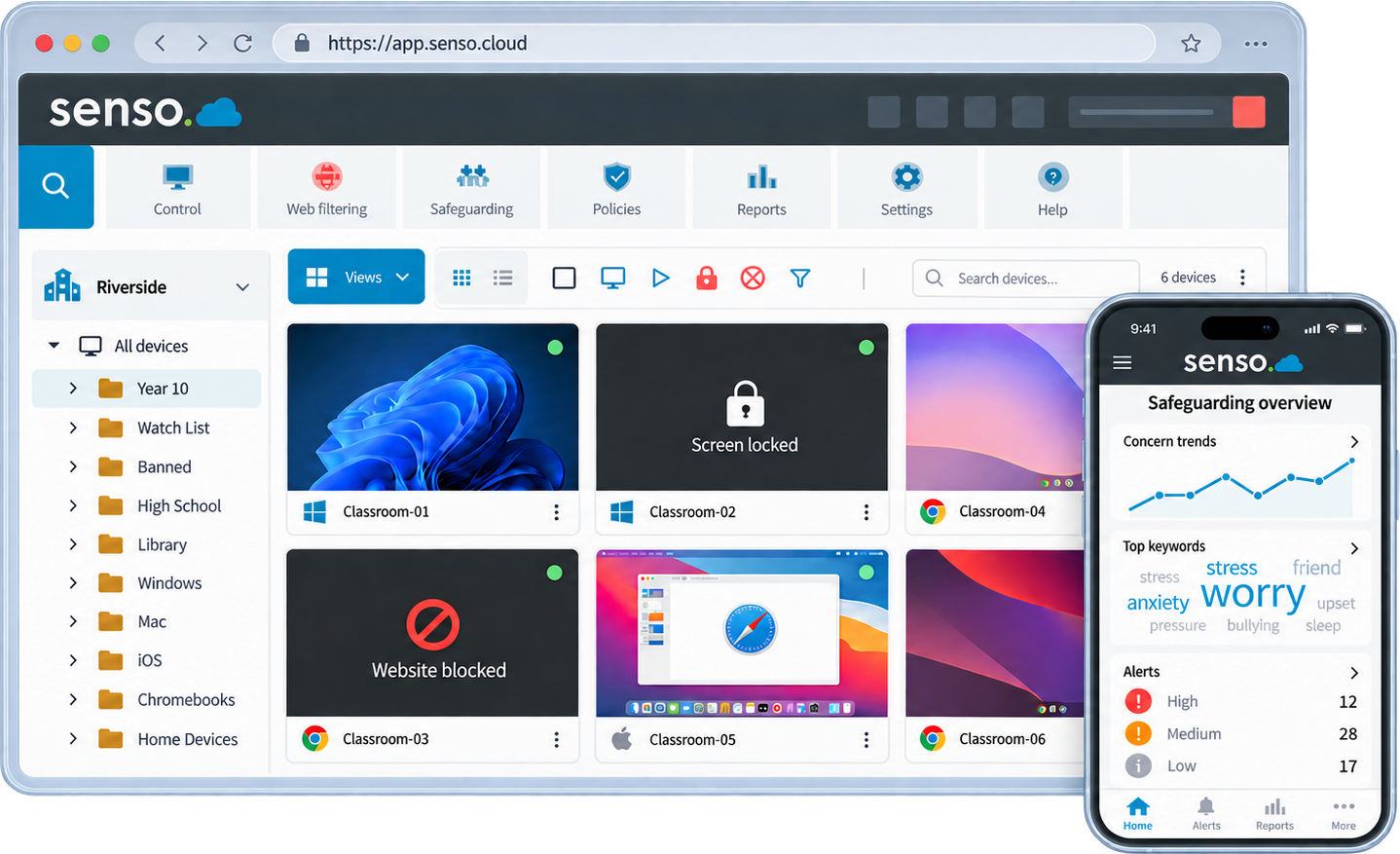
Senso brings student safety, classroom management, web filtering and school IT into one secure cloud portal. Safeguarding teams, teachers, IT teams and leaders work from the same users, devices, hierarchy and context, while role-based access gives each person the tools they need.
One portal. One sign-in. One connected platform.
- One portal
- for all products and features
- 4
- connected solution families
- 12,000+
- schools trust Senso
- 30
- countries worldwide
One connected platform
One portal for every team.
Senso was designed as one connected platform rather than assembled from separate products and disconnected portals. Every product a school uses, whether safeguarding, filtering, classroom management or IT operations, is accessed through the same portal with the same sign-in.
- One sign-in rather than separate product logins
- One consistent interface across all capabilities
- Shared users, groups, devices and organisational hierarchy
- Role-based views for safeguarding, teaching, IT and leadership
- Shared context across products
- Central reporting and audit information
- Capabilities can be activated without migrating to another platform
Built for every role
One platform. Different roles. Shared understanding.
Role-based access means each person sees the tools and data relevant to their responsibility, without separate systems or separate sign-ins.
School and group leaders
- Organisation-wide visibility across every site
- Consistent policy applied across schools
- Delegated local responsibility without losing oversight
- Fewer disconnected suppliers and systems to manage
- Clearer reporting without removing school-level control
Platform architecture
One tenant. One policy foundation.
Every Senso capability is delivered through one shared environment. Identity, hierarchy, devices and policy controls are shared across all solution families. Capabilities are activated within the platform, not operated through separate product portals.
- Shared identity through Microsoft Entra ID and Google Classroom
- Central hierarchy: group, region, school, class and user
- Role-based delegation across safeguarding, IT, teaching and leadership
- Platform-specific deployment components managed through one cloud console
- Integrated insight: safeguarding, filtering and IT data in context
- Modular capability activation as requirements grow
Capability depth varies by product and operating system. View platform coverage →
Shared platform services
Identity and SSO
Central hierarchy
Users, groups and devices
Role-based access
Policy engine
Reporting and audit
Integrations
Platform foundation
Shared Senso environment
Common deployment foundation
Region-aware Azure architecture
Modular capability activation
Platform advantage
The advantage is in the connection.
Because every solution family shares the same users, devices and context, workflows that would require multiple systems work naturally across one platform.
Protect and respond
- 1
Concerning activity is detected across monitored devices
- 2
Supporting context is captured automatically
- 3
Safeguarding team reviews the evidence in Senso
- 4
An appropriate response or policy action can follow
Teach and focus
- 1
Synced classes and identities give teachers access to the correct students
- 2
Teachers use classroom visibility and approved controls
- 3
No separate system to maintain or sign in to
Support and resolve
- 1
Device, asset and user context is available in one place
- 2
Remote actions and support workflows connect to real device data
- 3
A clearer audit trail across service and security events
Multi-school management
Built for one school. Designed to scale across many.
Senso's central hierarchy scales from a single school to an organisation managing dozens of sites. Policy is set centrally and delegated locally.
Organisation or group
Region
School
Class
User and device
- Central administration with local delegation
- Role-based access at the appropriate level
- Shared policies with controlled local variation
- Organisation-wide visibility
- Individual schools use the same platform without unnecessary complexity
Platform coverage
Works across your school environment.
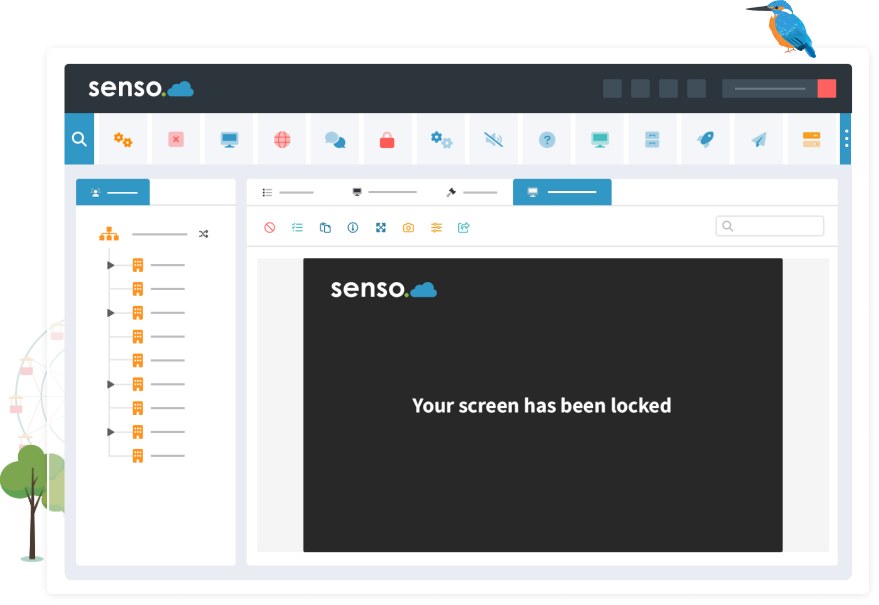
Senso works across the device platforms schools use. Capability depth varies by product and operating system.
Windows
Deepest capability coverage
Chromebook
Safeguarding, filtering and classroom
macOS
Selected capabilities available
iOS and iPadOS
Selected capabilities available
Integrations
Connect Senso to the systems schools already use.
Integration availability varies by product and region. Contact Senso to confirm current integration support.
Microsoft Entra ID
Identity and SSO
Microsoft Teams
Teams monitoring and sync
Microsoft 365
Identity and class rostering
Google Classroom
Class rosters and identity
ClassLink
Rostering and identity management
CPOMS
Safeguarding case management
Security and trust
Secure foundations for sensitive school environments.
Senso handles sensitive student and school data. Security controls, access management and data handling are designed accordingly.
Role-based access
Each user sees only the data and tools relevant to their role. Safeguarding data, device data and classroom data are separated by role, not just by product.
Auditability
Senso maintains audit records of access, actions and policy changes. Safeguarding evidence, session records and administrative changes are retained and reportable.
Regional data hosting
UK, US and Australian data residency options are available by region and product. Your data is securely isolated within Senso's regional Azure environment.
Data protection and privacy
Data processing agreements, privacy documentation and procurement evidence are available on request. Regional requirements are considered in each deployment.
Secure administration
Administrative access is controlled by role and authenticated through your identity provider. Changes to policy, users and access are logged and attributable.
Access appropriate to each role
Senso does not grant broad data access by default. Data access is scoped by role, organisation level and product entitlement.
Modular by design
Start with one priority. Expand without another platform migration.
Schools begin with the solution family that addresses their immediate need. Additional capabilities are activated within the same shared platform, sharing the same users, devices and configuration already in place.
Platform: frequently asked questions
See what one connected platform could replace.
Explore how Senso can consolidate student safety, classroom management and IT requirements within one shared platform, without replacing what already works.