


Class Cloud for Australian Schools: Monitor and Control
Classroom Management
Teachers can limit distractions and monitor student devices with ease, putting them back in control of the class.
Our teacher tools help keep your students focused on the lesson. Restrict access to specific apps and the internet when full attention is needed, or use our tools to enhance classroom collaboration.
BOOK A DEMO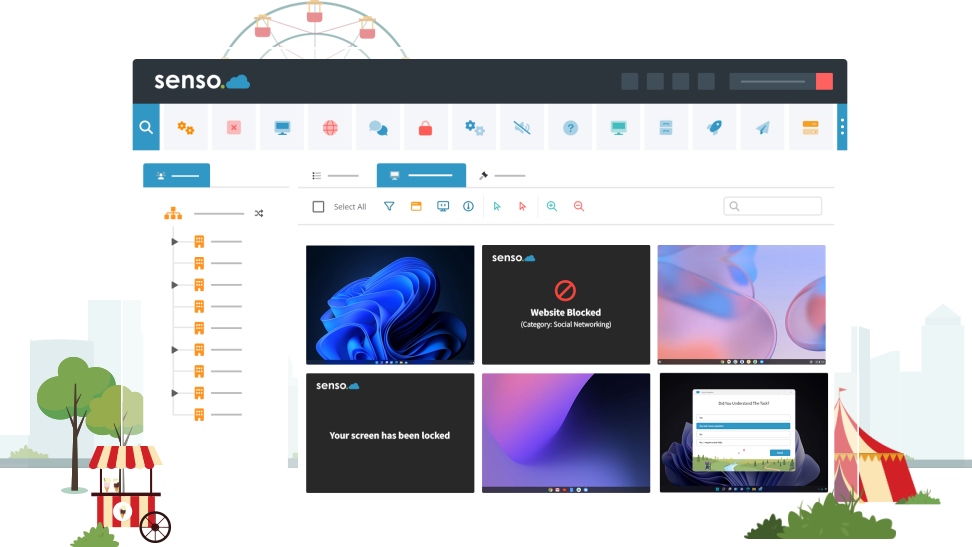
Intuitive Classroom Management Tools
Class Cloud has been designed with teachers in mind, aiming to support them in the classroom by reducing distractions and helping students stay focused on their tasks.
Monitoring a classroom full of students using their school-owned devices sounds overwhelming, but with Class Cloud, teachers can easily oversee multiple screens and use features like ‘block internet’ and ‘lock screen’ to regain control with just a few clicks.
Monitor Multiple Student Devices
Quickly check what your students are doing on their school-owned devices to ensure they stay safe and are focused on their work.
Our 'Live Thumbnail View' feature allows you to monitor all student devices in your class at a glance or focus on a single device as needed. Or take control of Windows devices to provide support to students.
BOOK A DEMO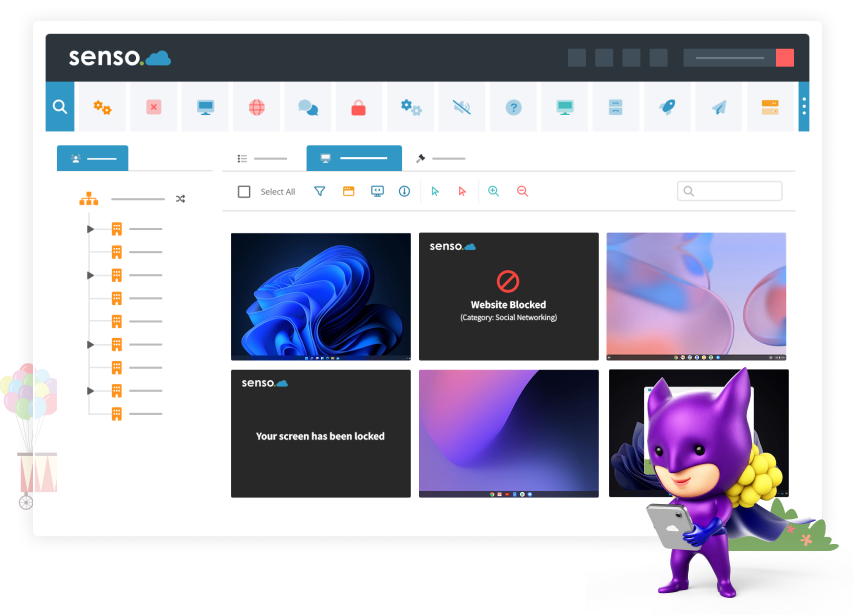
Limit Distractions in the Classroom
Our classroom management tools help to create a focused environment for your students.
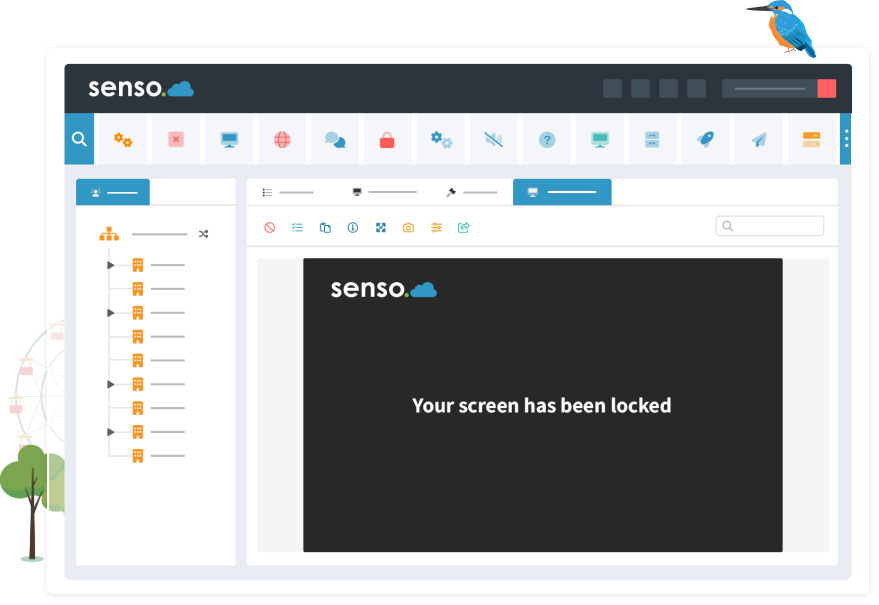
When the class’s attention is needed, teachers can lock screens, disable internet access, and restrict access to applications with just a few clicks. If distracting sounds become a problem, you can mute one or multiple devices to restore calm in the classroom.
“The Power to Work Collaboratively”
“Senso works so well at keeping inquisitive minds focused on investigating the right things.
It gives me the power to work collaboratively through sharing of screens along with distributing files and links to all my students. It gives me peace of mind that students use the computers responsibly.”
James Searle: Head of ICT | George Loczy: Network Manager
Collaborative Learning
Class Cloud includes tools that make it easier for teachers and students to collaborate within the classroom.
Easily send files to a single student or the entire class, keeping everyone up-to-date with the lesson. Save time by instantly launching a website or application on student devices. With the ‘Quick Question’ feature, you can engage the whole class and gather their feedback on the lesson.
BOOK A DEMO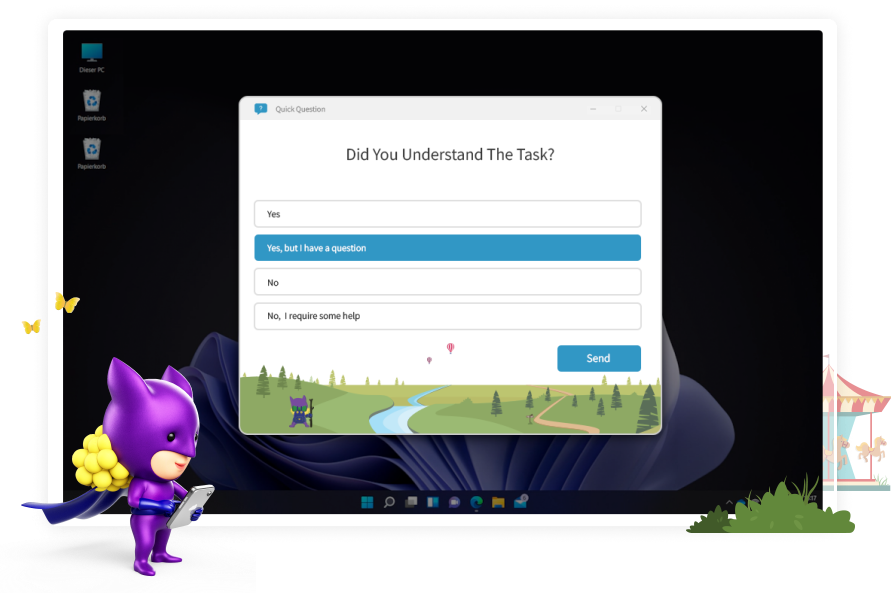
Class Cloud Modules
Tools for teachers that enhance classroom management and collaboration.

Azure AD allows access to grouping and user-based information. It also allows automatic sync to pull.

Sync with ClassLink to streamline your teacher, student and class data.

Easily import all of your classroom groups, giving staff members access to the correct groups and live thumbnails.

Automatically syncs your Google Classroom groups for screen access.

Easily sync your school's Microsoft Teams groups automatically for easy screen access.

Easily share your groups with substitute teachers or teaching aids.

Block access to specific resources, such as websites or applications, by creating a policy that can be simply applied and updated through the module interface.

Restrict access to specific applications or allow only one application on a single device or on multiple devices.

Allows you to update your client in a single click. Or, schedule your updates for another time.

In just a few clicks, close the active browser tab on your students’ Chrome browsers.
Disable access to the internet on a single device or on multiple student devices.
Log off remote users, restart or shut down devices, and allow time for users to save their work.

Give advice or guidance to students with a click of a button, without disrupting the lesson.

Gain the attention of your class, or of an individual student with customisable messages and colours.

Mute devices in your class or change the volume level of their device to limit distractions.

Send out a question to the class, small group, or individual to get instant feedback on the lesson.

Assist students within the classroom by taking control of their devices to keep them on task.

Remote Log On enables users to securely log in to one or multiple machines remotely using provided local AD credentials.

Monitor the screens of one or multiple student devices in your classroom.

Allows you to see everything you have open even if it has been minimised.

Push out a website or application to the whole class, or to selected devices.

Access and send files from anywhere to single or multiple devices. Run files as an administrator.

Send a message to a single student or to multiple students within the classroom.

Show a toolbar with Show Support Ticket option, Anonymous Reports, join PIN Group options and Show Raise Concern option.

Choose what level of screen privacy devices in a group have. Set warnings if someone is looking at your screen.
Interested in Classroom Management?
No matter the size of the class, Class Cloud’s classroom management tools help teachers minimise distractions and ensure students stay safe on their school-owned devices.
Contact a member of our team to arrange a demonstration and learn more about Class Cloud.
GET STARTED